Working with models
Collaboration and saving
A model is a shared space. Several people can have the same model open and watch it change as it is worked on.
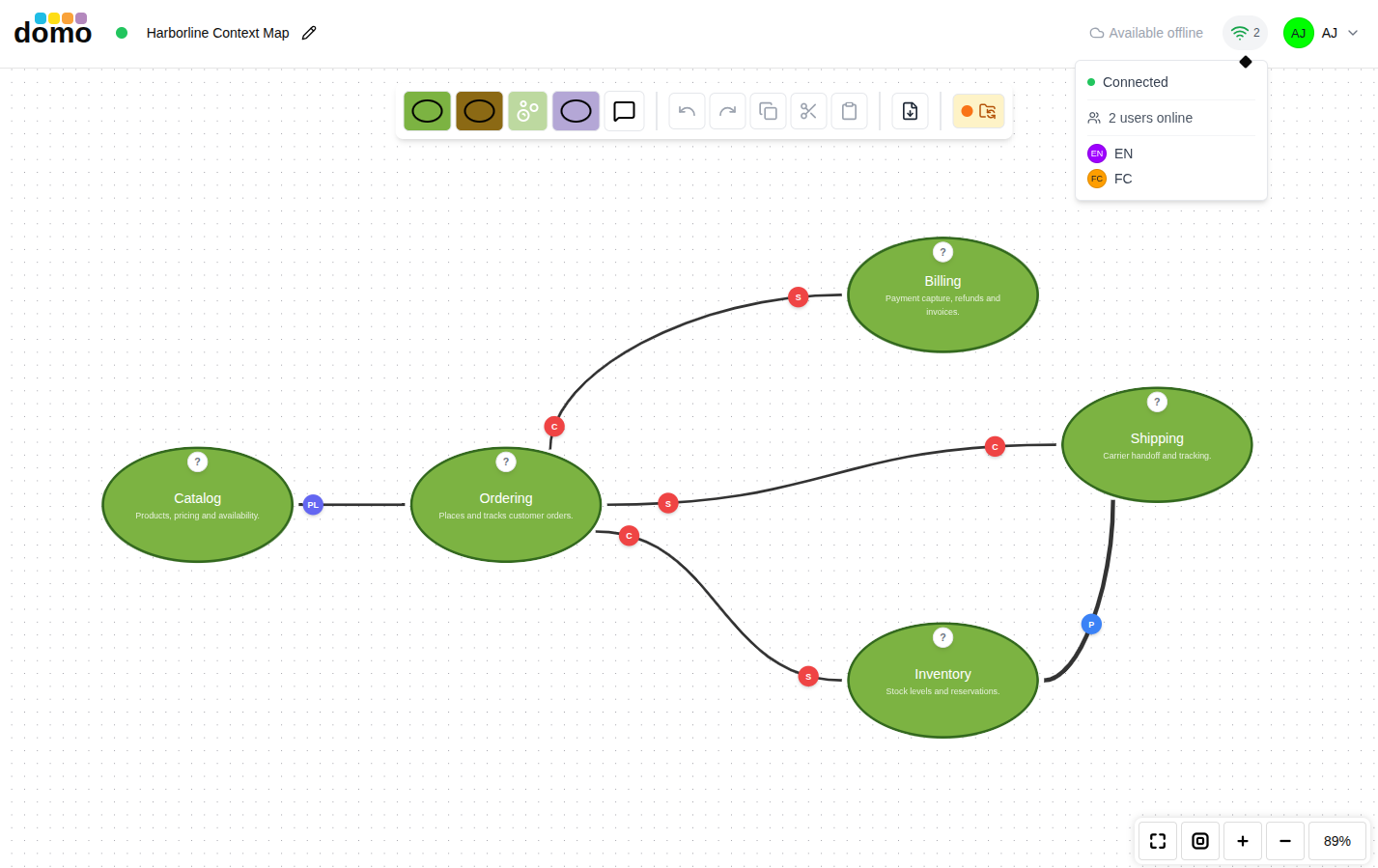
Who else is here
The collaboration indicator in the model header shows the avatars of everyone currently in the model. Their cursors and selections appear on the canvas as they work.
Editing locks
While someone is editing a particular element, that element is locked to them and shows as locked to everybody else. This is deliberate: rather than merging two people's simultaneous edits to the same sticky note and hoping for the best, DomoModeler hands the element to one person at a time. Everything else on the canvas stays editable, so a locked element rarely gets in anybody's way.
An element someone else holds is dimmed and carries a padlock badge with their name, in their color. You can still read it, but you cannot change it until they are done. Only that element is affected, so the model itself is not in view-only mode and the header shows no pill.
Saving
There is no Save button. Changes are written for you, and the colored dot beside the model name reports where that stands:
| Dot | Meaning |
|---|---|
| Green | Everything is saved |
| Amber | Changes are pending, or a save is in flight |
| Red | The last save failed |
If the dot goes red, your work is still in the editor. Check your connection and keep the tab open.
Paused and reconnecting
If you leave a model open and idle, the live connection is released to keep things light. A banner tells you the connection is paused; click it to resume. If the connection drops unexpectedly, the editor reconnects and takes a fresh copy of the model.
Working offline
Turn on Available offline in the model header (or from the model's card menu on the dashboard) and DomoModeler keeps a local copy of that model in your browser. You can then open and edit it with no connection. The editor shows an Offline: editing locally pill instead of a reconnect spinner.
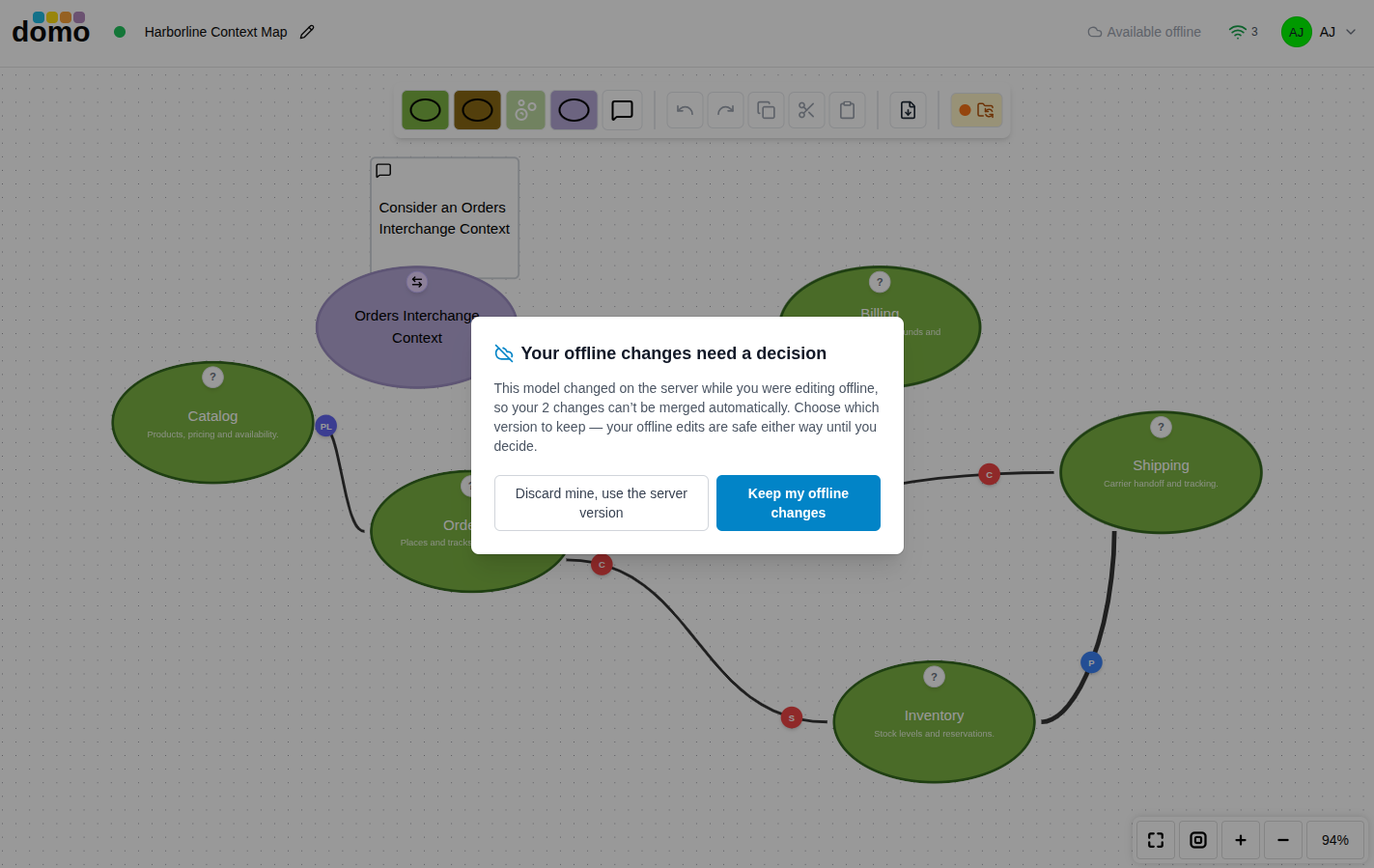
When you come back online, your local work is brought back in line with the server. If the model also changed on the server while you were away, you are asked which version to keep:
- Keep mine: your offline edits win.
- Take server: the server's version wins and your offline edits are dropped.
Offline support is per-model and opt-in, so mark the models you expect to work on away from a connection.