Model types
Architecture Decision Record
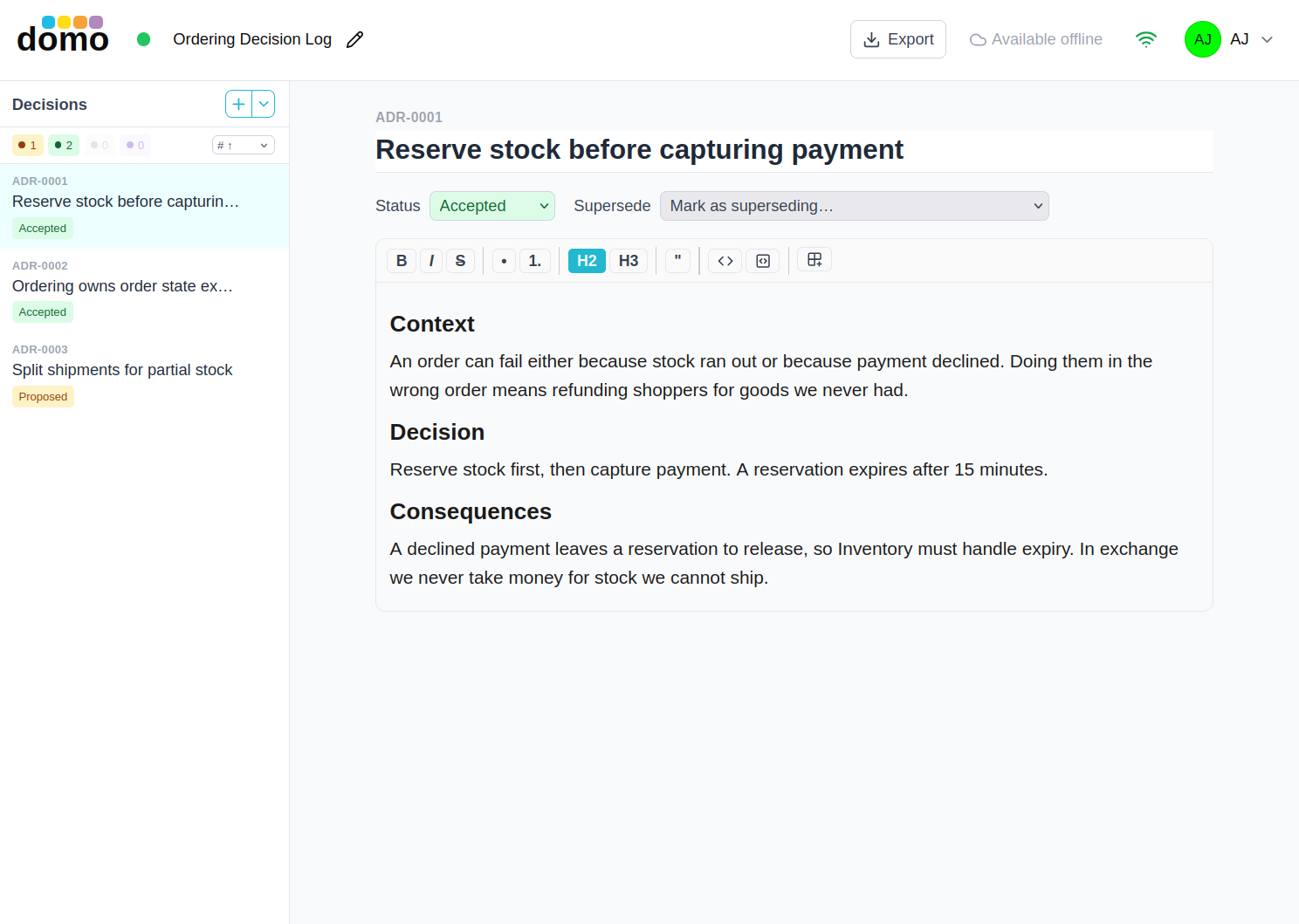
An ADR model is a log: one model holds all the decisions for an architecture, numbered ADR-0001,
ADR-0002, and so on. The list of decisions sits on the left, the decision you are reading fills the rest
of the window.
Creating the log
When you create an ADR model you can link it to an Architecture model in the same domain. Linked logs are grouped beneath that architecture on the dashboard. Leaving it standalone is fine, because you can link it later.
A decision record
Each record has:
- A number, allocated for you in sequence and never reused.
- A title.
- A status: Proposed, Accepted, Deprecated, or Superseded.
- A body written in Markdown.
Templates
A record follows one of two well-known shapes, and the Insert section dropdown offers the headings the record does not have yet, each with a line of guidance:
Nygard, the short classic:
- Context: the issue and the forces at play.
- Decision: what you will do, in full sentences.
- Consequences: what becomes easier and what becomes harder.
MADR, the fuller form:
- Context and Problem Statement
- Decision Drivers
- Considered Options
- Decision Outcome
- Consequences
- Confirmation
- Pros and Cons of the Options
- More Information
Superseding a decision
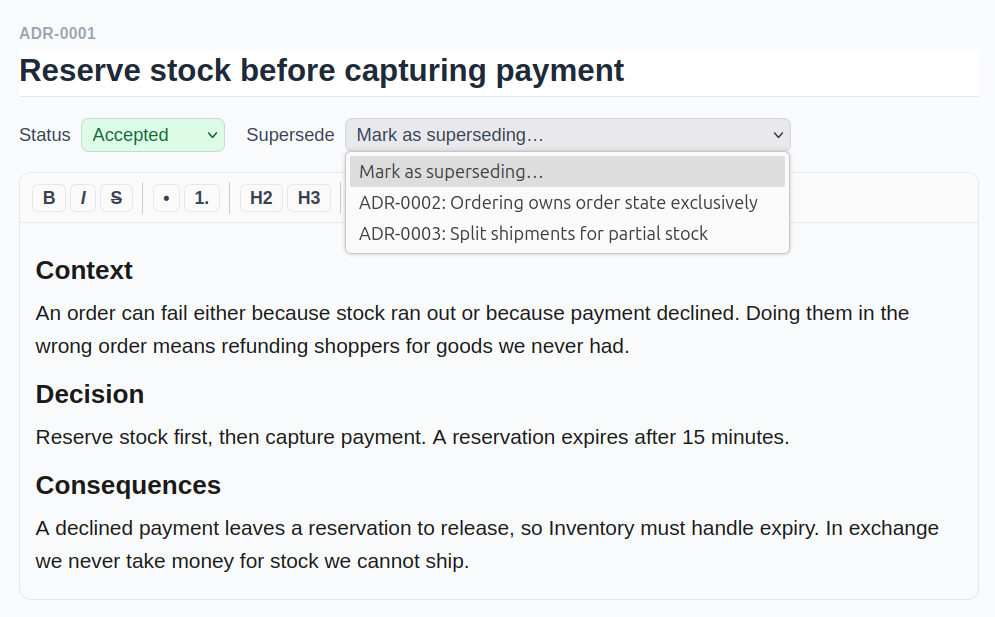
Decisions are never rewritten to fit the present. You supersede them instead. Pick the decision this one replaces from the Supersedes dropdown, and the older record's status is locked to Superseded with a link to its replacement. Clearing the link releases the status again. A record cannot supersede itself, an already-superseded record, or the record that supersedes it.
Export
Export downloads the whole log as a .zip of Markdown files named the way ADRs are conventionally
stored in a repository (docs/adr/0001-title.md), so the log can be committed alongside the code it
describes. Exporting requires a paid plan and edit access to the model.