Model types
Business Model Canvas
The Business Model Canvas is the one model here that is not about software. It captures how the business makes and keeps money, which is usually the thing the software has to serve.
It is a good first model in a discovery workshop, before anyone opens an EventStorming canvas.
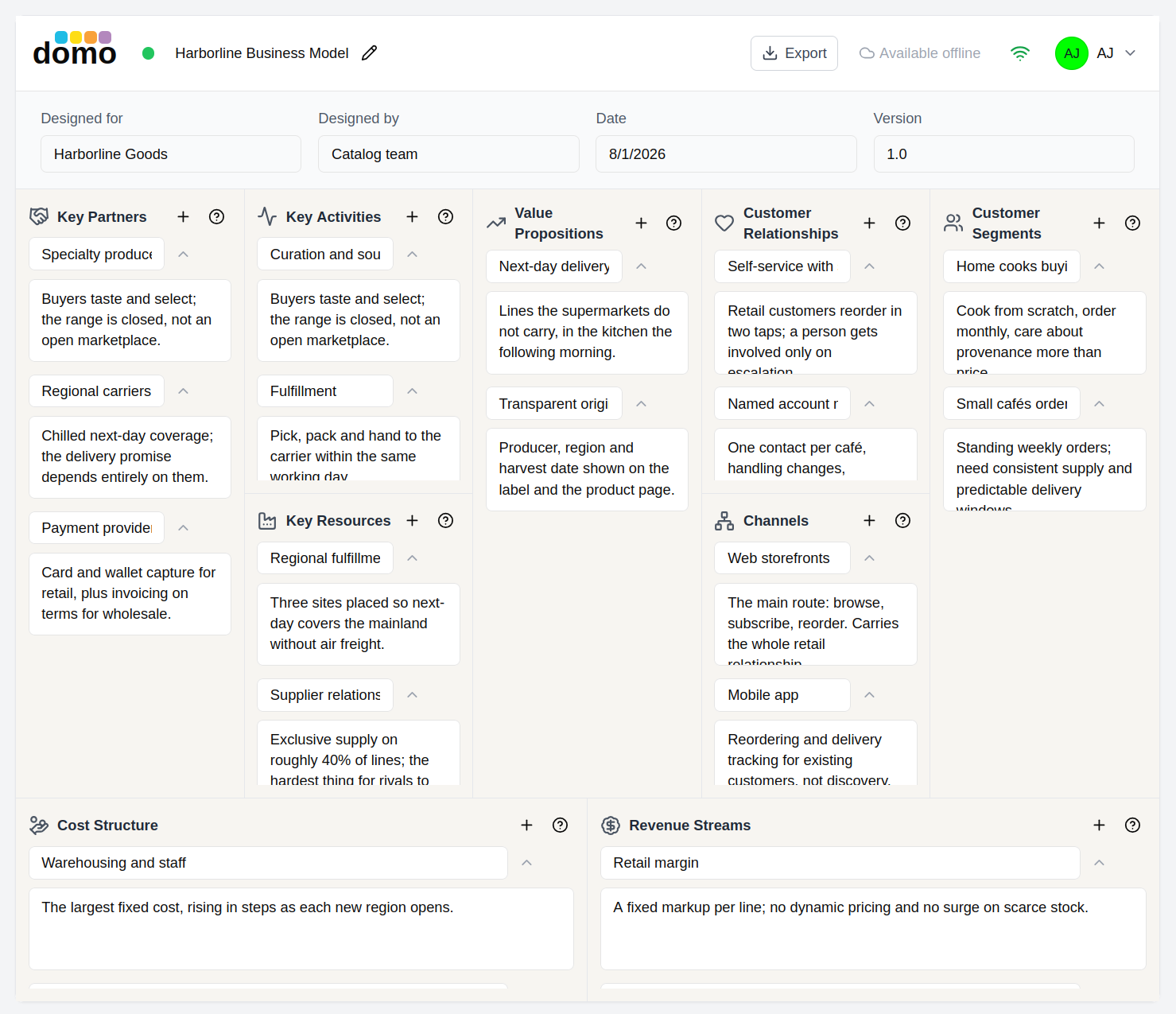
Notice that some of the content in sections if folded by the ^ chevron, which then displays the v chevron. So you can read the brief descriptions before looking into the more detailed descriptions. There is also an X next to each Description-Details pair, which can be used to delete a specific value set.
The nine sections
| Section | The question it answers |
|---|---|
| Key Partners | Who helps us? Suppliers, alliances, and what motivates them. |
| Key Activities | What must we do well? |
| Key Resources | What do we need to own or have access to? |
| Value Propositions | What are we offering, and to whom does it matter? |
| Customer Relationships | How do we get, keep, and grow customers? |
| Channels | How do we reach them, across every phase from awareness to after-sales? |
| Customer Segments | Who exactly are we serving? |
| Cost Structure | What does all of this cost? |
| Revenue Streams | What do people pay for, and how is it priced? |
Filling it in
Each section holds a list of entries, and each entry is a pair:
- Description: the item itself, in a few words.
- Details: the elaboration, kept out of the way until you want it.
That pairing is what keeps a canvas readable. The face of the canvas stays scannable; the thinking lives one click away.
Every section carries the classic prompts from the canvas, such as motivations for partners, channel phases, and fixed versus dynamic pricing. A section you are unsure about therefore tells you what belongs there.
Canvas metadata
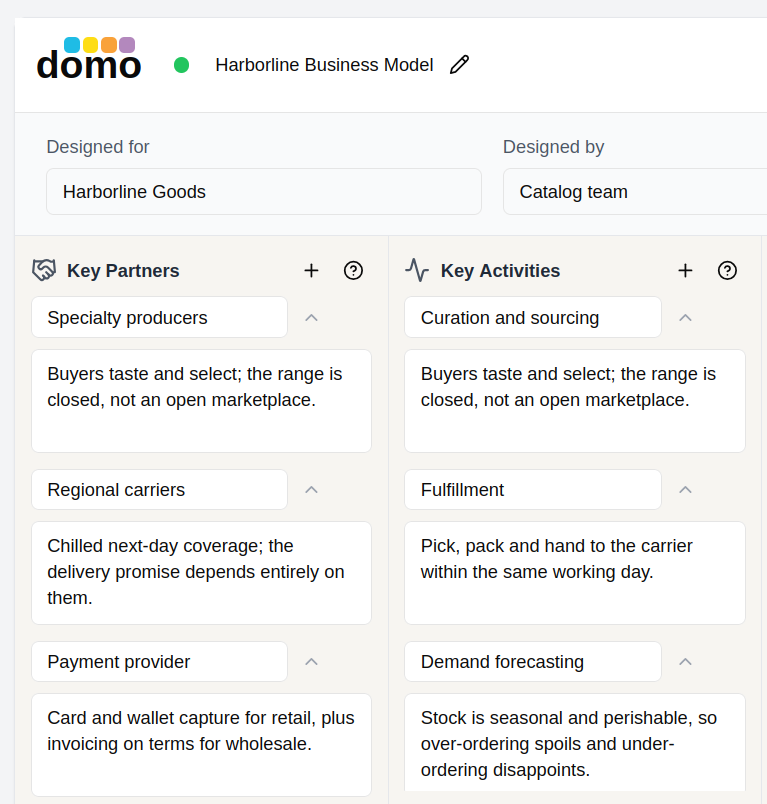
Above the canvas sit the four identifying fields the printed canvas has always had: Designed for, Designed by, Date, and Version. Fill them in, because a canvas without them ages badly.